 Table of content
Once you've set up your profile, the whole world of 1win online is open to you. You can jump straight into hits like Aviator and JetX or check out our betting lines for local basketball and big esports matches. To get you off to a good start, we’ve lined up a welcome bonus of up to 52,000 PHP over your first few deposits. We’ve kept the site fast and simple, so you can spend your time playing instead of clicking through endless menus.
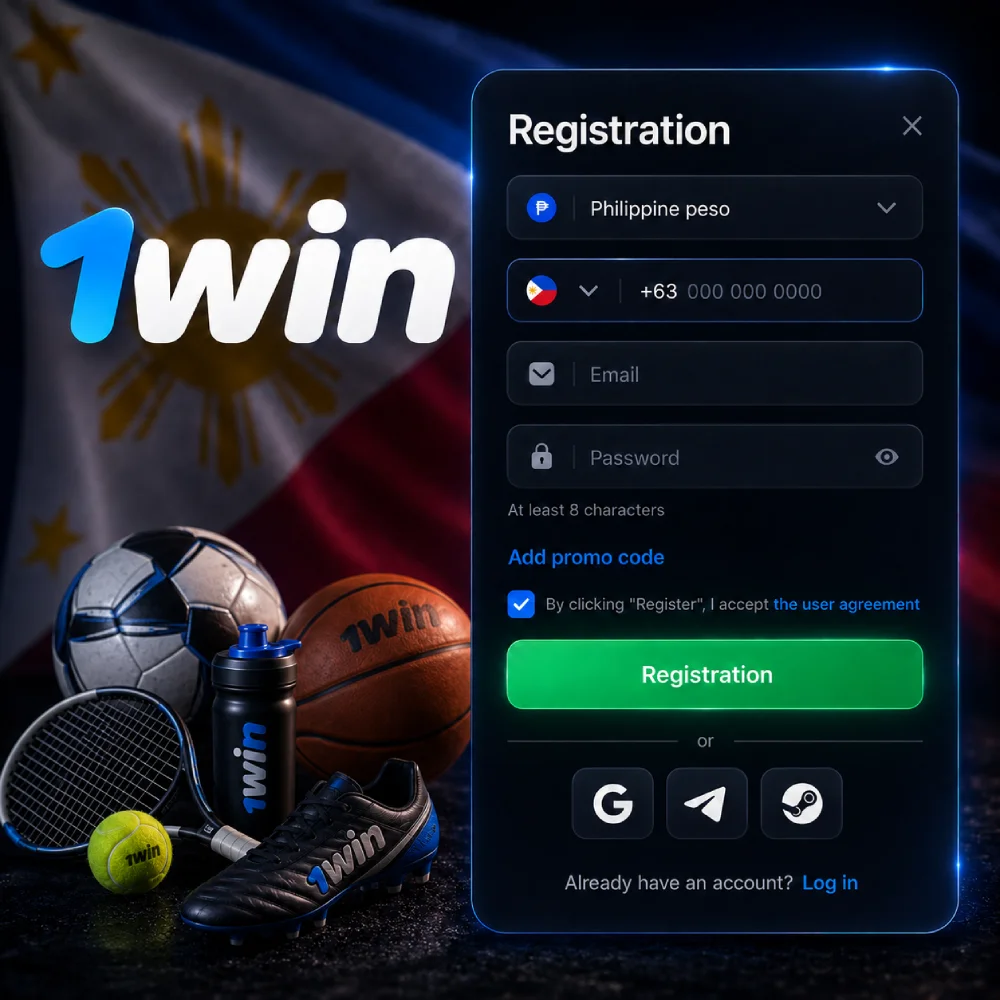
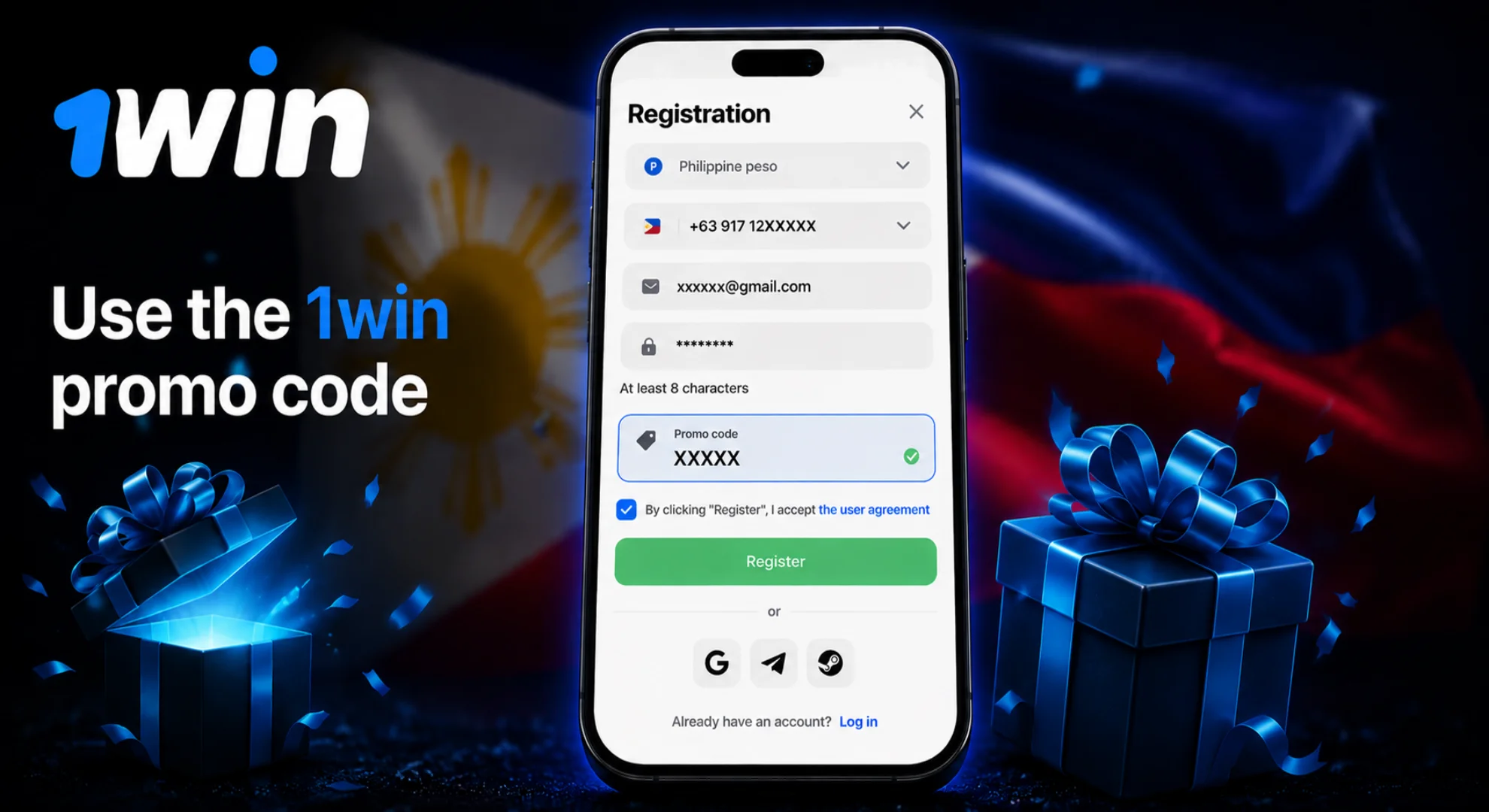
Joining us takes just a few seconds. We’ve simplified the process so you can complete your 1win ph registration quickly.
Just tap the green button at the top of the screen to get started.
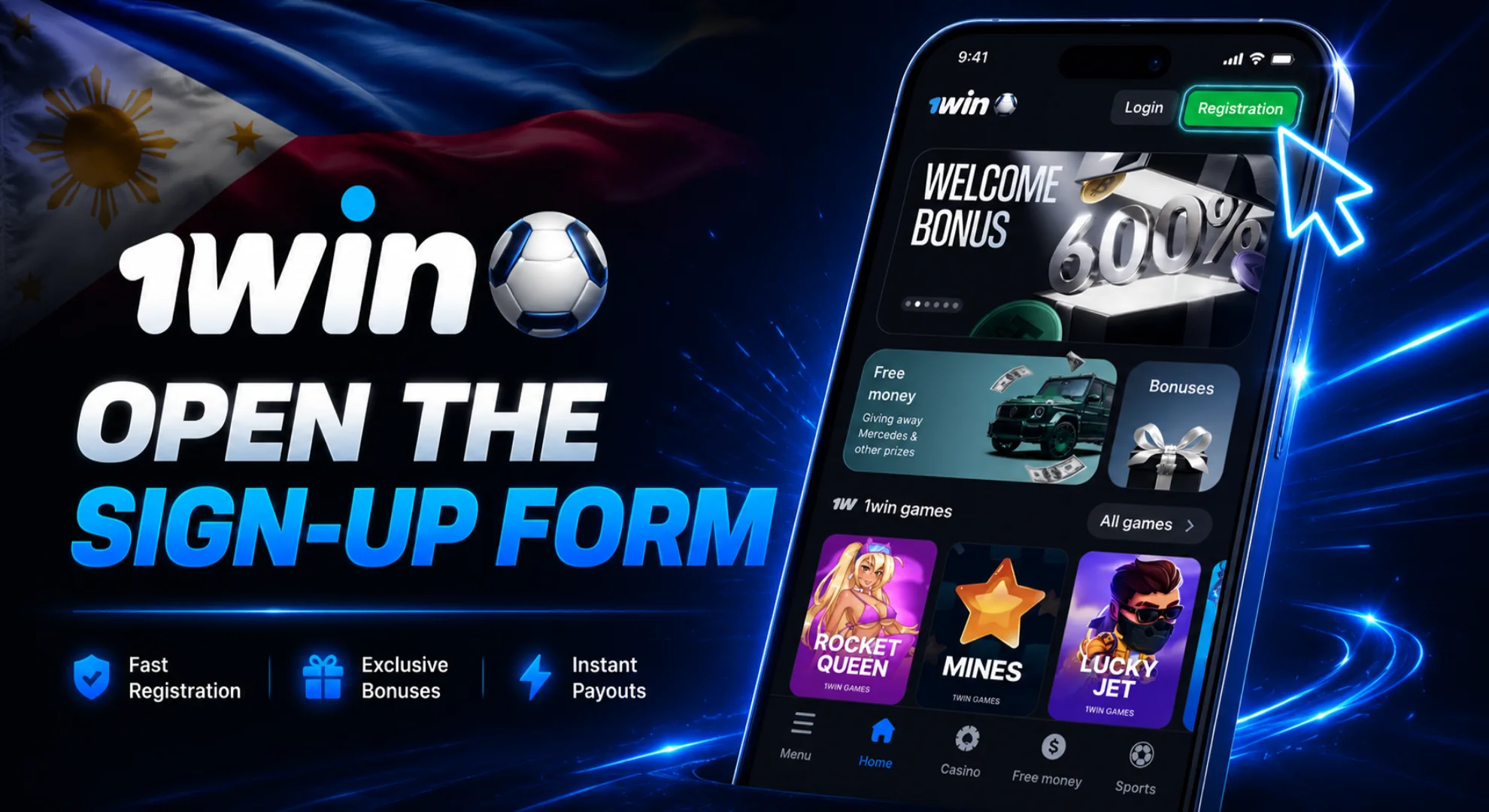
You can go with the "Quick" option using your phone or just link a social media account.
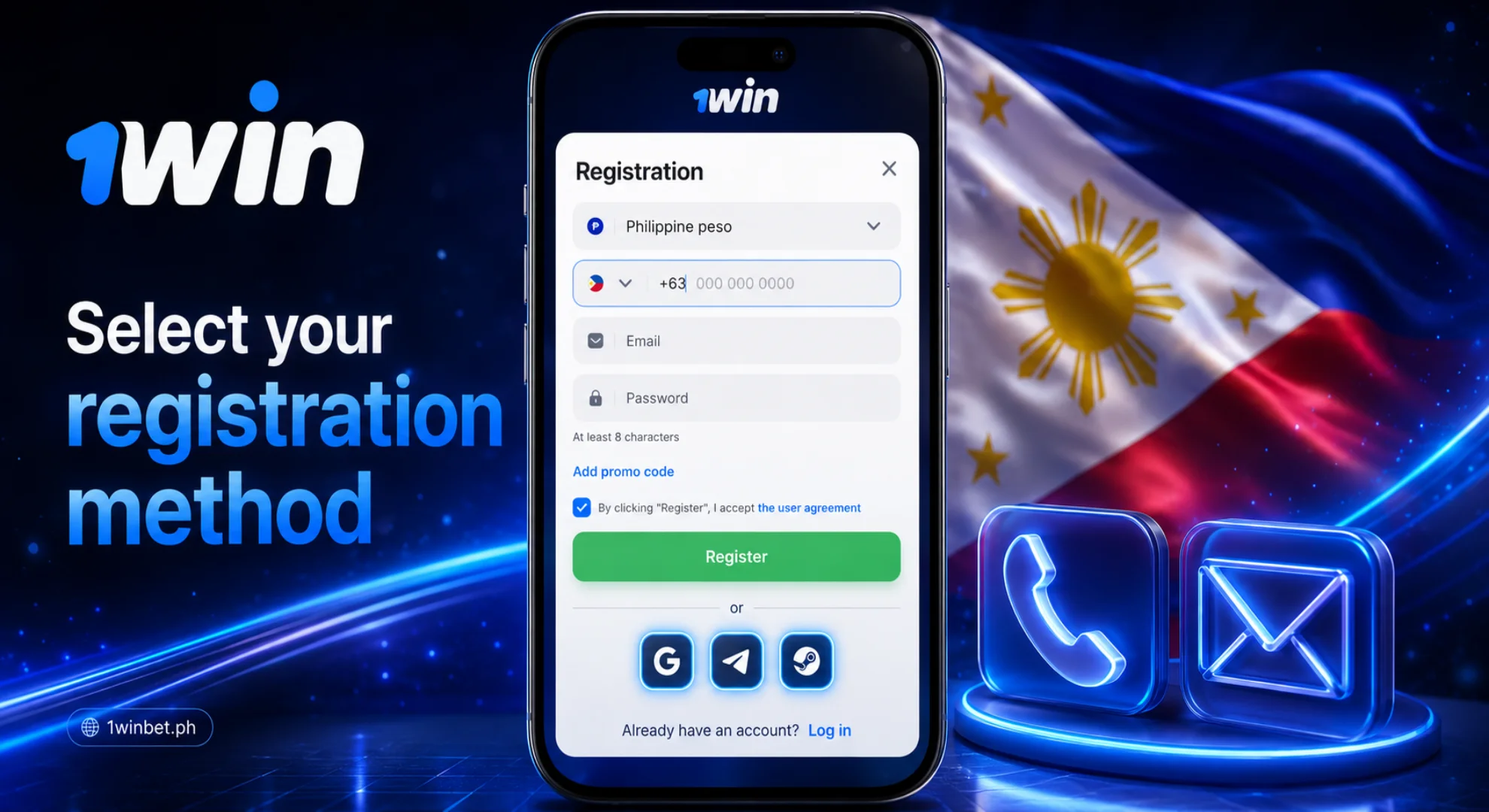
Type in your phone number and email, and pick the currency you want to use for your games.
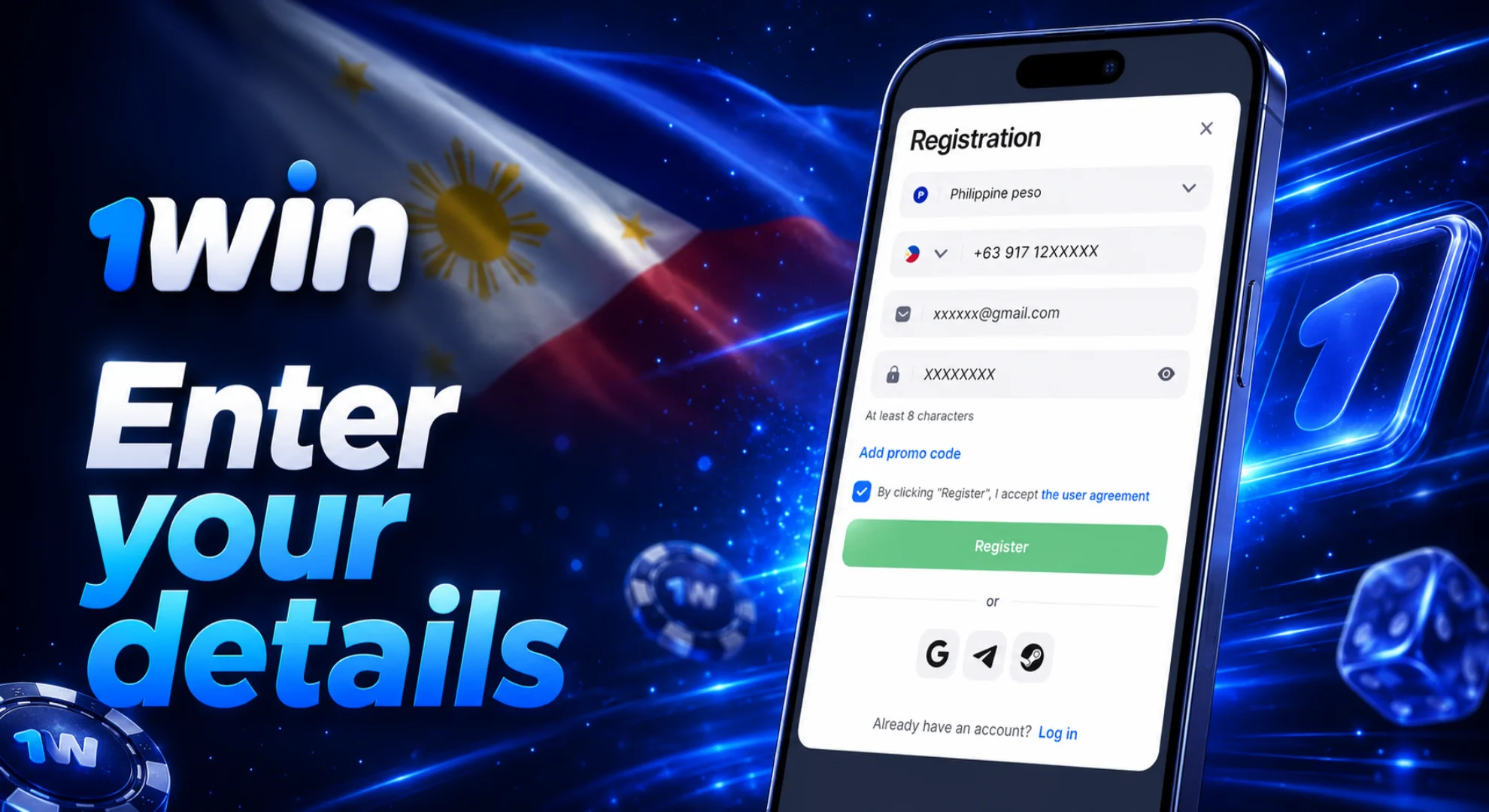
If you’ve got a local bonus code, drop it into the box now to grab some extra rewards.
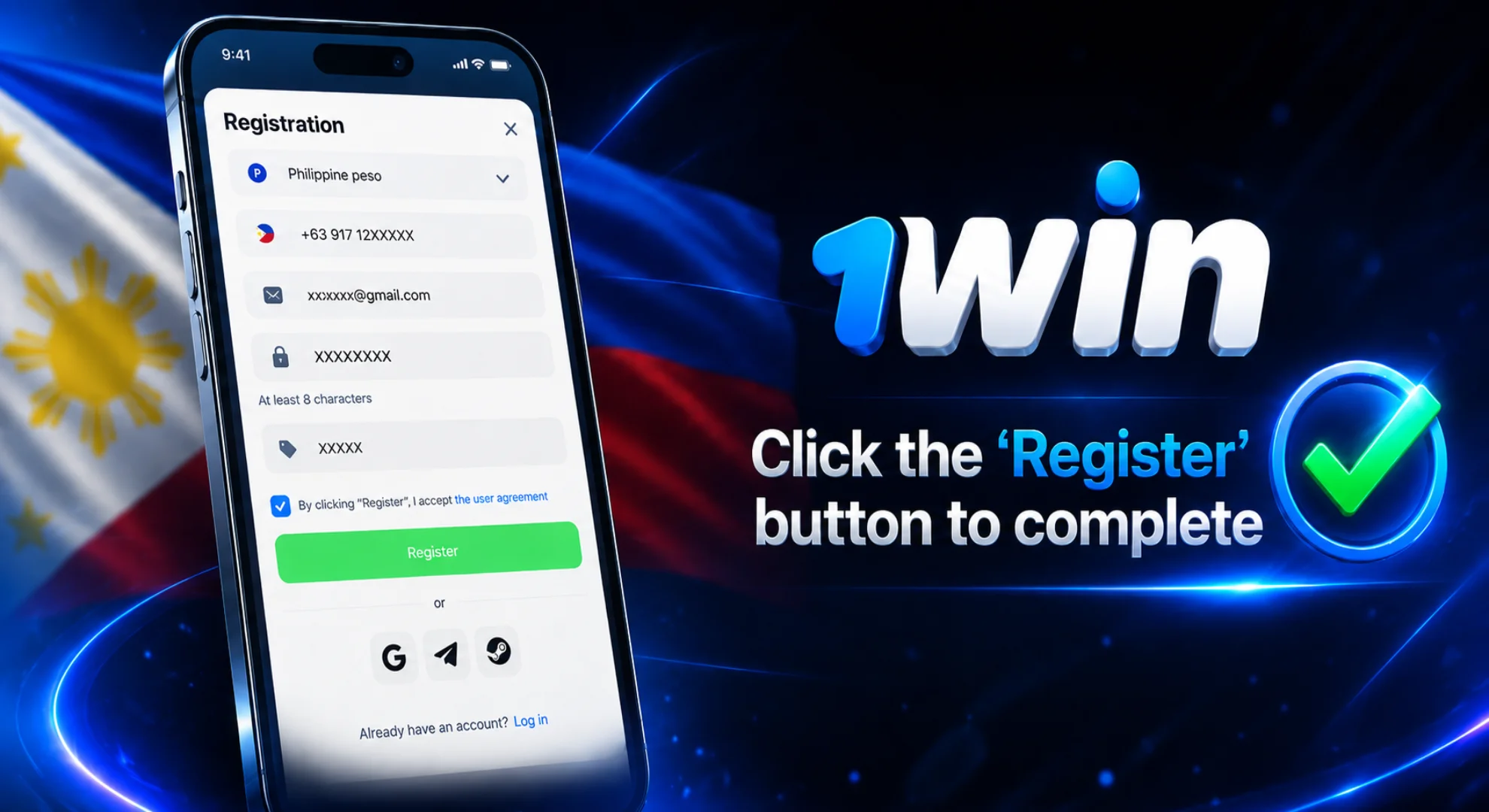
Tap the button to finish up, and your dashboard will be ready to go instantly.
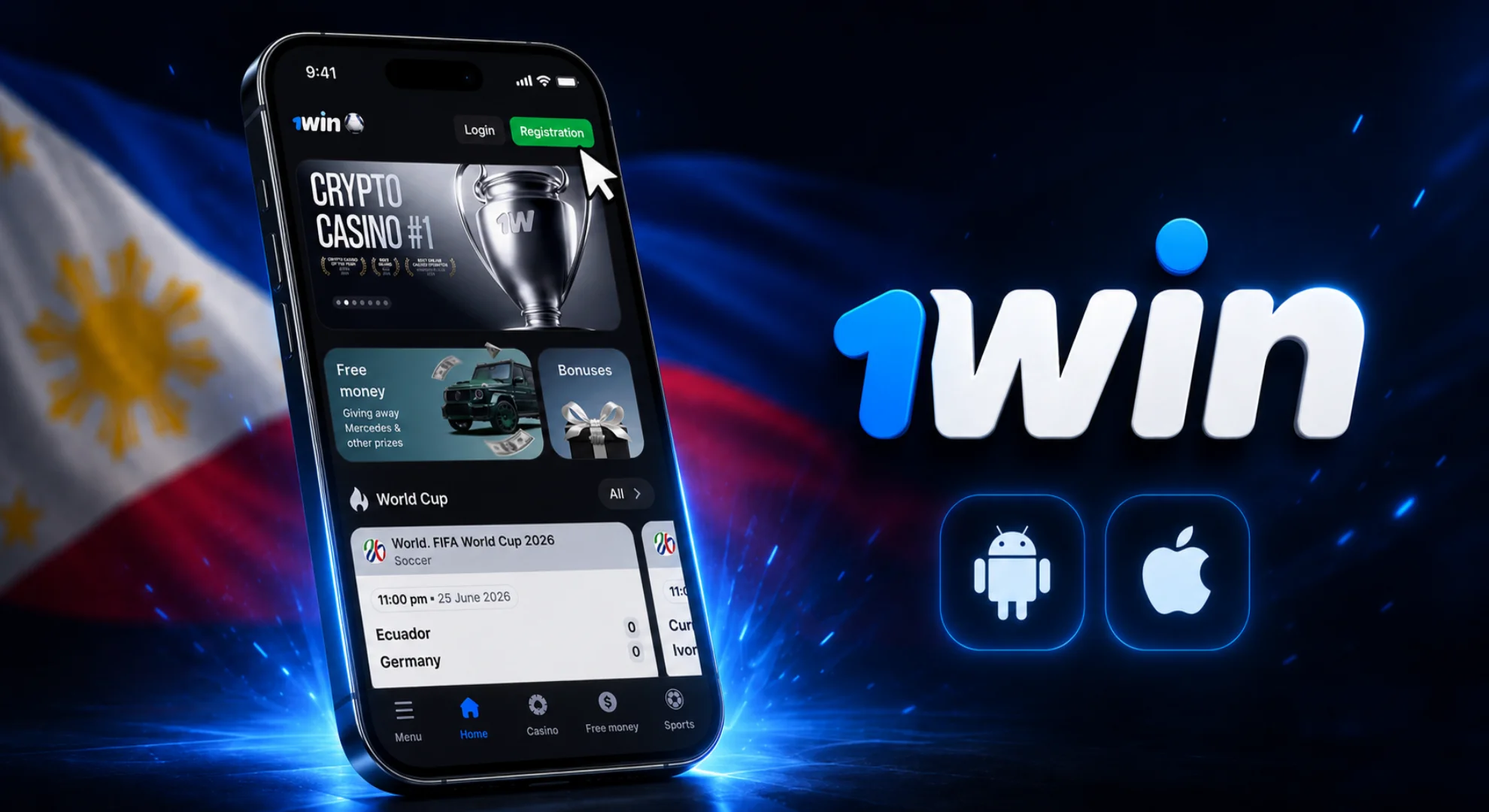
Creating an account directly on your mobile device is an incredibly fast and straightforward process. By setting up your profile through the application, you instantly gain secure access to all betting lines, casino games, and exclusive mobile promotions.
Here is how you can quickly complete the sign-up process after your initial 1win download:
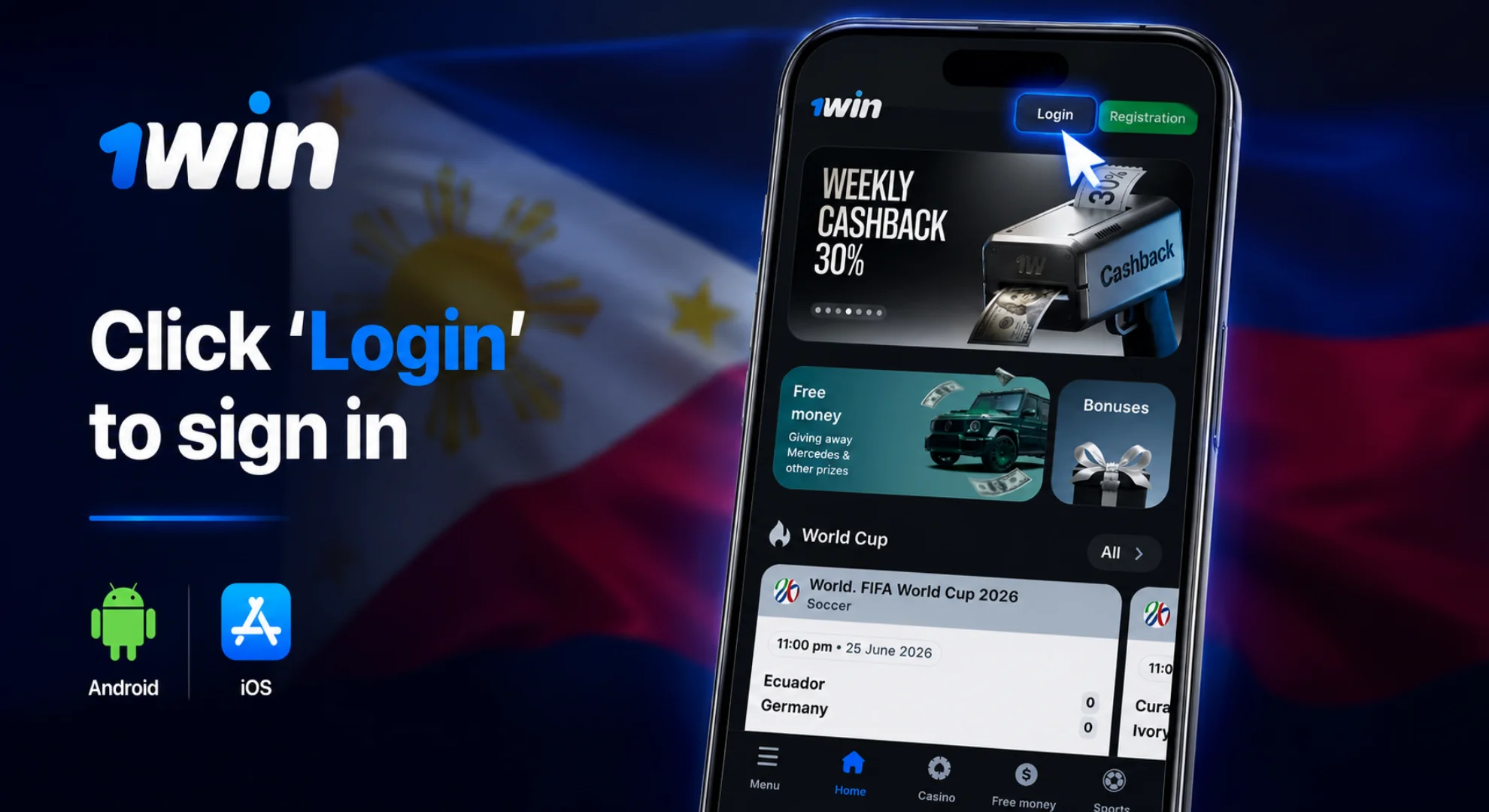
We’ve made sure you can get into your 1win casino login from anywhere, anytime, without any headache.
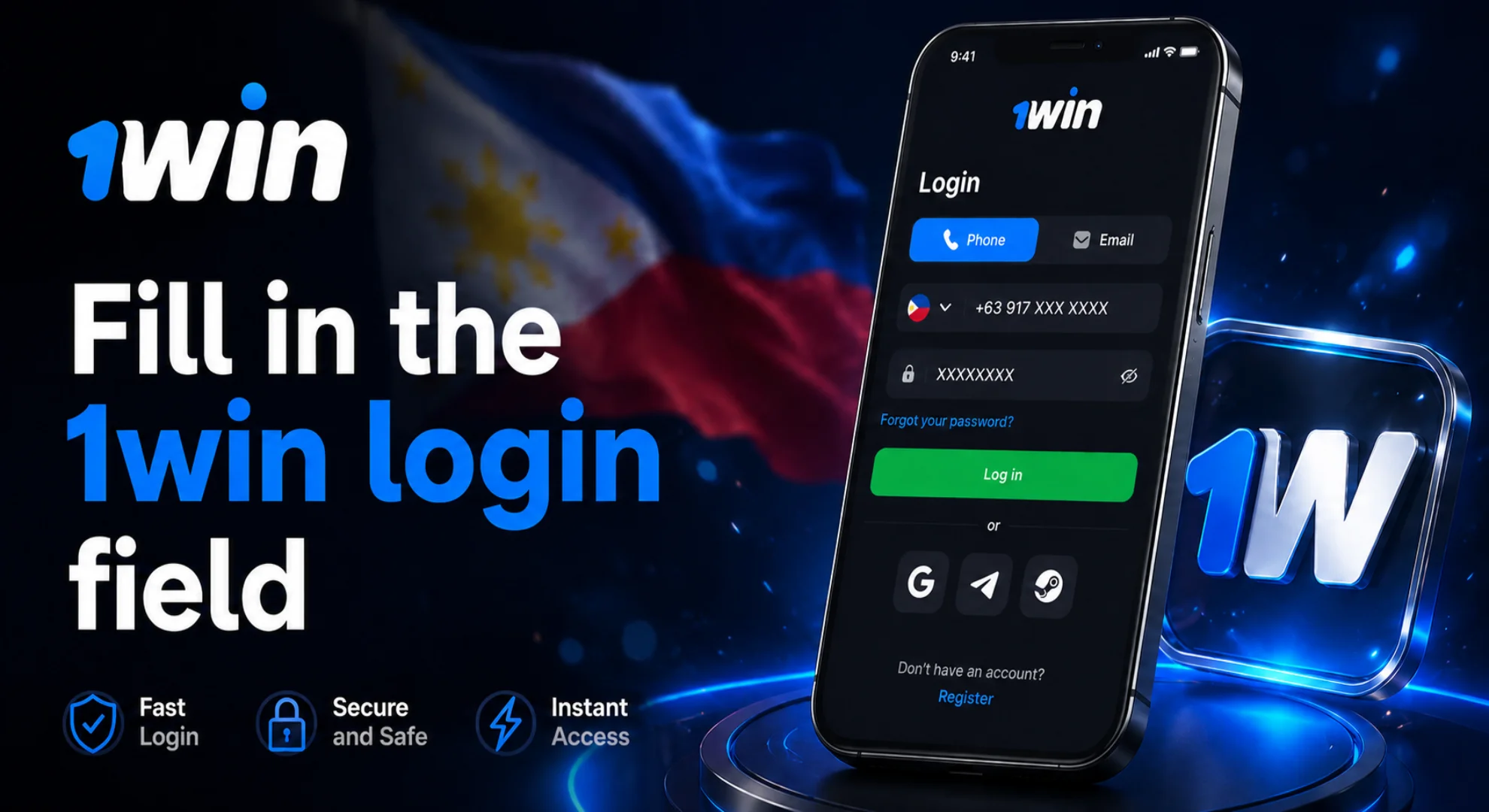
Click the login button at the top right of your screen.
Use the phone number or email address you provided during registration.
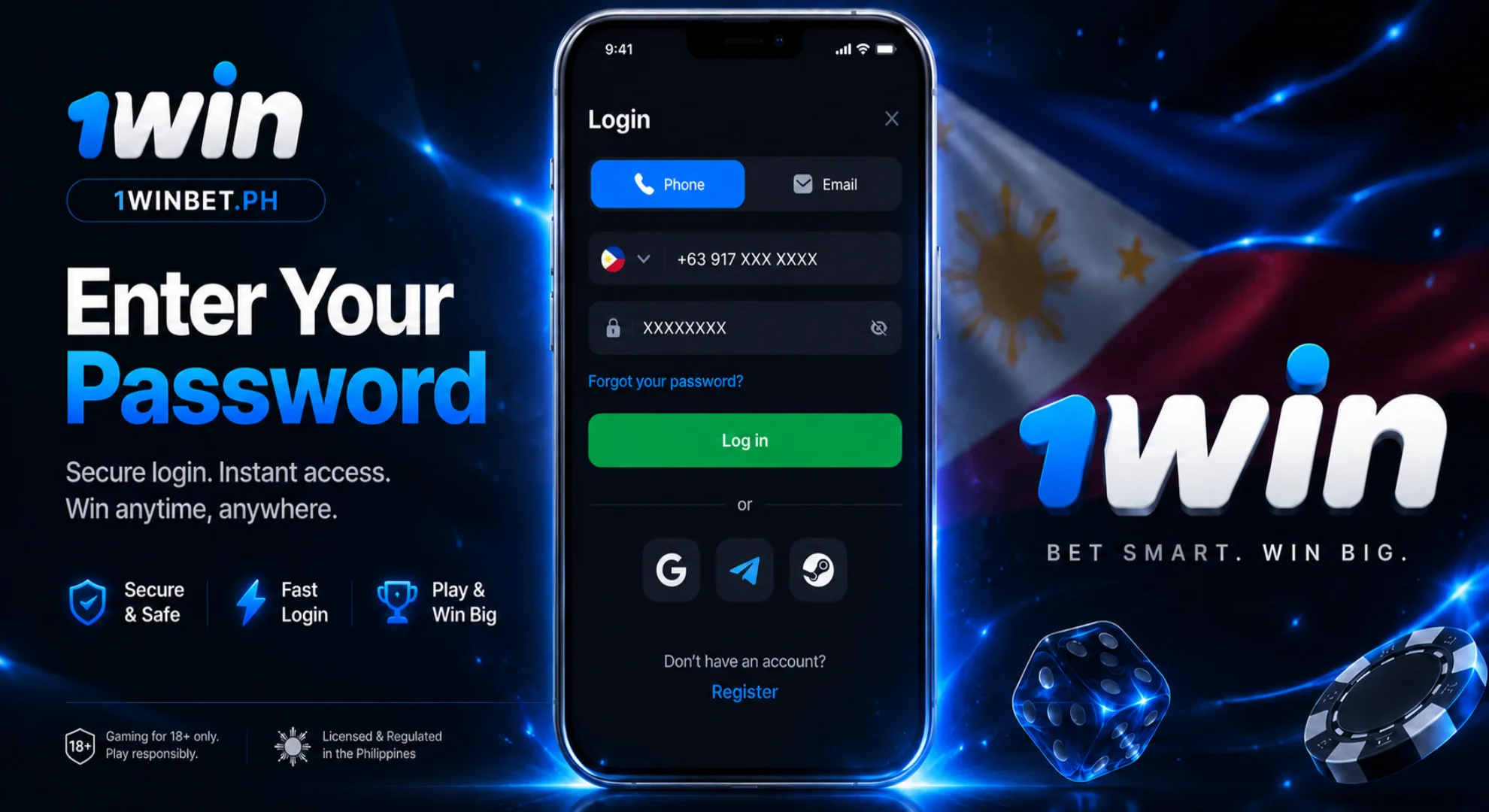
Type in your password - just double-check your capital letters.
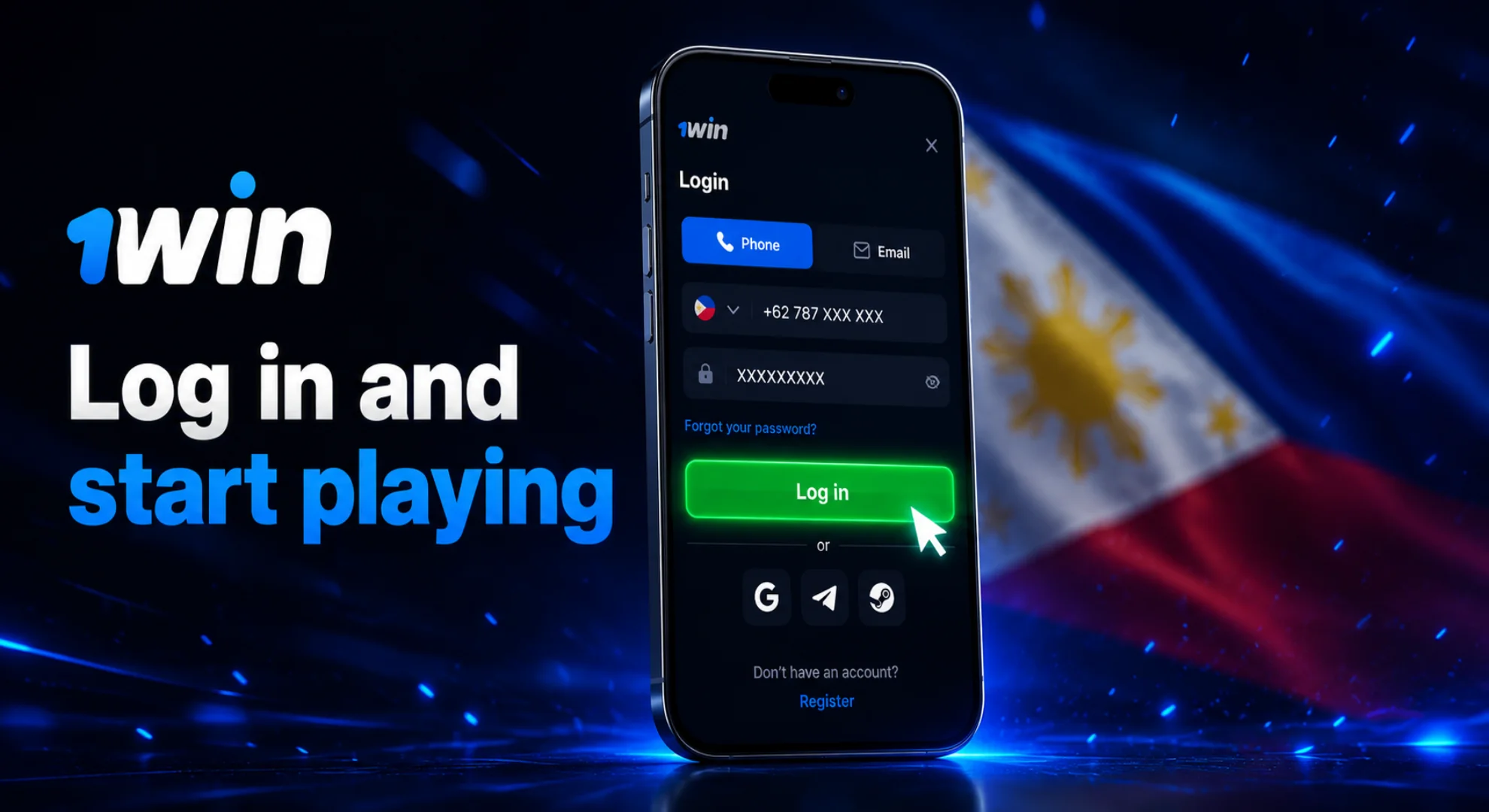
Hit the blue button and you're straight back into the games.
We’re proud to offer one of the best deals in the country, giving our community a massive head start. Your 1win sign up bonus is a huge 600% package split across your first four deposits, giving you plenty of extra balance to explore our games. On top of that, we have special promo codes just for the Philippines. These unlock free spins on the hottest slots and extra cash for your sports bets, helping you get the most out of every session.

To keep things fair, we have a couple of ground rules: only one account per person, and you must be 18 or older to use 1win. Also, for your money to move smoothly, make sure your GCash or Maya accounts are in your own name. This keeps your deposits and withdrawals trouble-free.
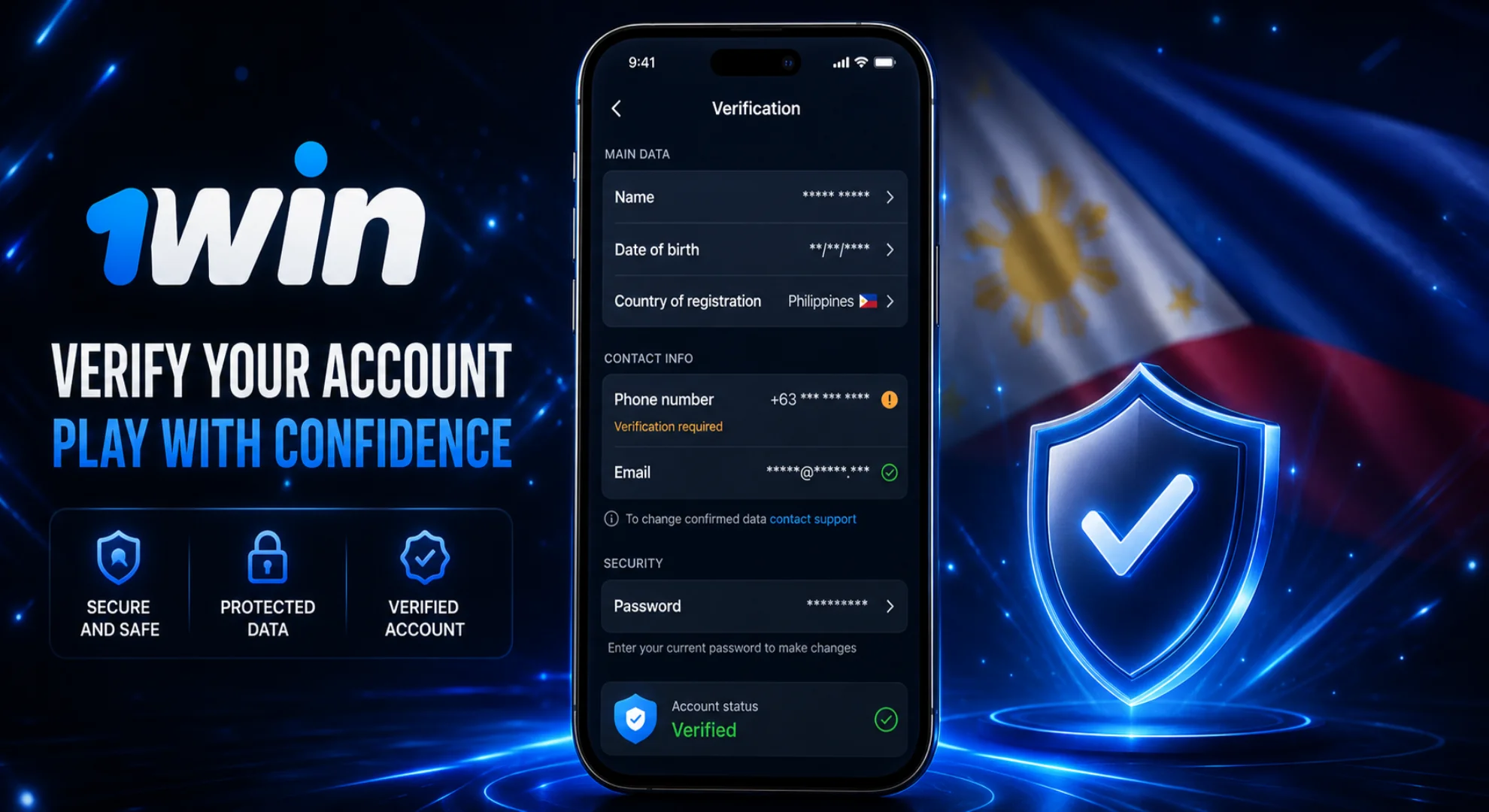
Verifying your identity (KYC) helps confirm your account details and protect your account security. We usually ask for this before you take out any big wins. Here’s what to do:
If you need a break or want to close things down, our team is here to help. Just make sure you’ve withdrawn your balance before you shut down your 1win ph login:
It happens! Just hit "Forgot password?" when you try to log in. We’ll send a reset link to your phone or email, and you’ll be back in your account in a minute. No, we only allow one account per person to keep things fair. If the system finds a duplicate, it usually ends up blocking both, so it’s best to stick to one. No, you have to be at least 18. We check this when you go to withdraw your winnings, and accounts for anyone younger are closed immediately. Yes, you can absolutely create an account using a Philippine phone number (+63), as the platform fully supports players from the Philippines. To delete your 1win account, you need to contact customer support via live chat or email and formally request the permanent closure of your profile, as there is no direct "Delete" button in the account settings. To verify your 1win account, please complete your personal details in your profile and send a photo of your ID (passport or driving licence) to customer support via live chat or email.
What should I do if I've forgotten my 1win password?
Can I have more than one account?
Can I play if I’m under 18?
Can I create an account using a Philippine phone number?
How to delete 1win account?
How to verify 1win account?